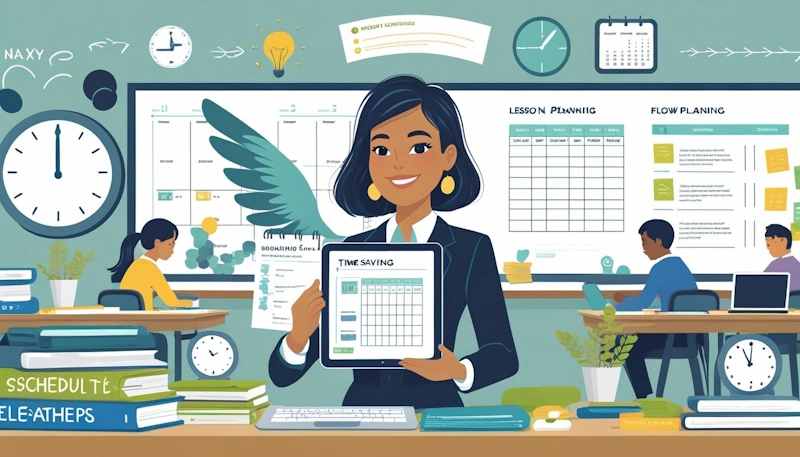
You can save hours each week by changing a few simple habits in planning, classroom routines and communication. Use ready-to-go lessons, batch planning sessions and clear daily routines to free up planning time, cut grading load and keep your class running smoothly. Read on to discover time-saving tips you can start using today!
This post shows practical steps you can apply tomorrow to plan faster, manage behaviour with less stress and speed up assessments and parent contact. Expect short, usable time-saving tips for streamlined lesson planning, effective classroom management and quicker communication so you can spend more time teaching and less time on paperwork.
Streamlined Lesson Planning for Maximum Efficiency
Focus your planning on repeatable structures, clear targets, and shared work so you spend less time on prep and more time with students. For example – use templates, set one measurable goal per lesson, and share tasks with colleagues to cut duplicated effort.
Time-Saving Tips - Batch Planning and Templates
Batch planning saves hours. Block one afternoon to outline a week or fortnight of lessons. Use a simple template with: learning objective, starter activity, main task, differentiation, and assessment.
Keep templates digital so you can copy and edit. Colour-code or label templates by year level or topic. This helps you pull a ready-made plan in minutes rather than starting from scratch.
What’s more, make a short checklist for each lesson: materials, tech check, timing, and exit task. Tickboxes speed up preparation and reduce the chance you forget a key resource or step.
Setting Clear Learning Objectives
Write one clear, measurable objective per lesson. Use phrases like “Students will be able to…” followed by a skill or product you can assess. This keeps activities focused and saves time when choosing tasks and markers.
Align objectives with curriculum outcomes. That way you avoid reworking plans later and can reuse lessons across classes with minor tweaks.
Link each objective to a quick assessment: a short quiz, exit slip, or class task. Quick checks tell you if the lesson worked and guide follow-up lessons without lengthy marking.
Time-Saving Tips - Collaborative Planning with Colleagues
Share planning loads with other teachers. Split a unit into chunks and assign each teacher a lesson to design. Rotate tasks so no one does every assessment or resource.
To add, use a shared folder or a common template so plans look the same and resources are easy to find. Regular 30-minute planning huddles keep everyone on track and let you swap ready-made activities.
Additionally, create a resource bank of worksheets, slides, and video links. Tag items by topic and year level. This saves time later because you and your colleagues can pull trusted materials instead of recreating them.
Time-Saving Tips - Effective Classroom Management
Time-saving tips – strong routines, clear roles and simple signals help you run a productive classroom where students stay engaged and transitions move quickly. These practices cut down wasted minutes and make your day feel more manageable.
Establishing Predictable Routines
Firstly, set a short, consistent start-of-class routine students follow every lesson. Use a 3-step pattern: entry task, seating check, and a 60–90 second instructions review. Post the steps on a wall chart so students know what to do the moment they enter.
Then, teach each step explicitly for the first two weeks and practise until students complete it without prompts. Reinforce correct behaviour with quick praise and gentle corrections. When routines are automatic, you spend less time redirecting and more time teaching.
Finally, keep routines simple and visible. Use a daily agenda board and a checklist for shared tasks like handing in work. These small systems reduce questions and speed up transitions.
Delegating Student Jobs
Time-saving tips – give students clear, rotating roles to share classroom tasks. Typical jobs include teacher helper, tidy monitor and materials manager. Assign roles weekly so students build responsibility and you avoid doing small chores.
Likewise, create a simple job chart and teach each role in a quick demo. Use a timer for the changeover to keep the class on task. When students handle routine tasks, you reclaim planning and feedback time.
To conclude, rotate roles to keep engagement high and to develop student skills. Use a brief reward or recognition system for reliable helpers to encourage consistency without extra effort from you.
Time-Saving Tips - Utilising Visual Cues and Timers
Use visual timers and cue cards to signal time limits and expected behaviour. Display a digital countdown for activities and a traffic-light card system for noise level expectations. Visuals reduce verbal repeats and keep students focused.
Place clear icons on workstations to show group directions or task stages. For example, change the timer colour or cue card when you need silence, partner talk, or independent work. This helps students self-monitor and stay on task.
Moreover, combine timers with brief reminders like “two minutes left” to support pacing. Visual cues cut interruptions, increase engagement and help you keep lessons moving on schedule.
Communication and Assessment Strategies to Save Time

A great time-saving tip is to focus on clear, predictable routines. Prioritise short, targeted checks of learning and fast, meaningful replies to parents and students.
Time-Saving Tips - Efficient Parent Communication
Set one weekly touchpoint so parents know when to expect updates. Use a single platform like your school’s website, ClassDojo or email to share newsletters, behaviour notes, and upcoming events.
Furthermore, keep messages short and specific. Use bullet points for actions: what happened, why it matters, and one clear next step. For urgent issues, call once and follow up with a brief written note that records the outcome.
Also, create templates for common messages and save them in a folder. Personalise only one or two lines to keep tone human without extra time. Offer set times for phone calls or meetings to avoid ad-hoc interruptions.
Digital Tools for Marking and Feedback
Time-saving tips – use comment banks or canned responses to speed written feedback. Save 6–10 short comments for common strengths and next steps, then paste and tweak them.
What’s more, try audio comments for longer explanations. Record a 30–90 second note that highlights one strength and one clear revision step. Students tend to act faster on spoken suggestions.
Moreover, use rubrics with a single focus to reduce over-marking. Grade one target per task, then track patterns across the class. This keeps marking fast and tells you what to teach next.
Incorporating Exit Tickets for Quick Assessment
Use exit tickets at the end of lessons to check one clear learning goal. Ask one tight question like “Show one sentence that proves X” or “Solve this problem and explain one step.”
Keep tickets digital or on sticky notes for quick sorting. Scan or photograph paper responses for a fast record. Group work by correct/needs-help to plan your next lesson in minutes.
To conclude, rotate ticket formats to match the skill: multiple choice for facts, short explanation for reasoning. Use results to decide who needs small-group support the next day.
Conclusion
In conclusion, by embracing time-saving tips such as smart planning, prioritising high-impact tasks, and leveraging classroom tools, teachers can reclaim valuable hours without sacrificing the quality of instruction.
Moreover, working smarter—not longer—allows educators to focus more on what truly matters: engaging students, fostering meaningful learning experiences, and maintaining a healthy work-life balance.
Ultimately, when systems and routines are intentionally designed, the classroom becomes a more efficient, productive, and enjoyable place for both teachers and students.
What time-saving tips have you found most effective for saving time in your classroom?
Resources of Mine You Might Like
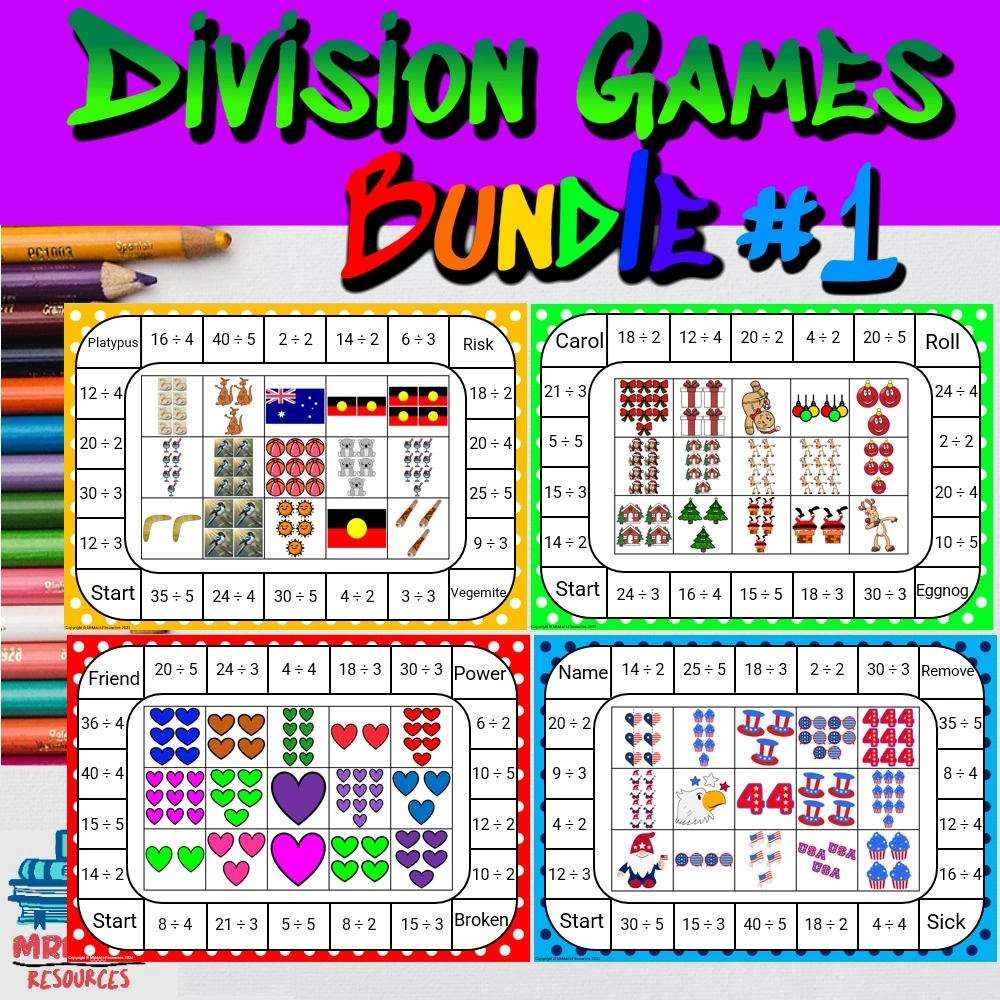
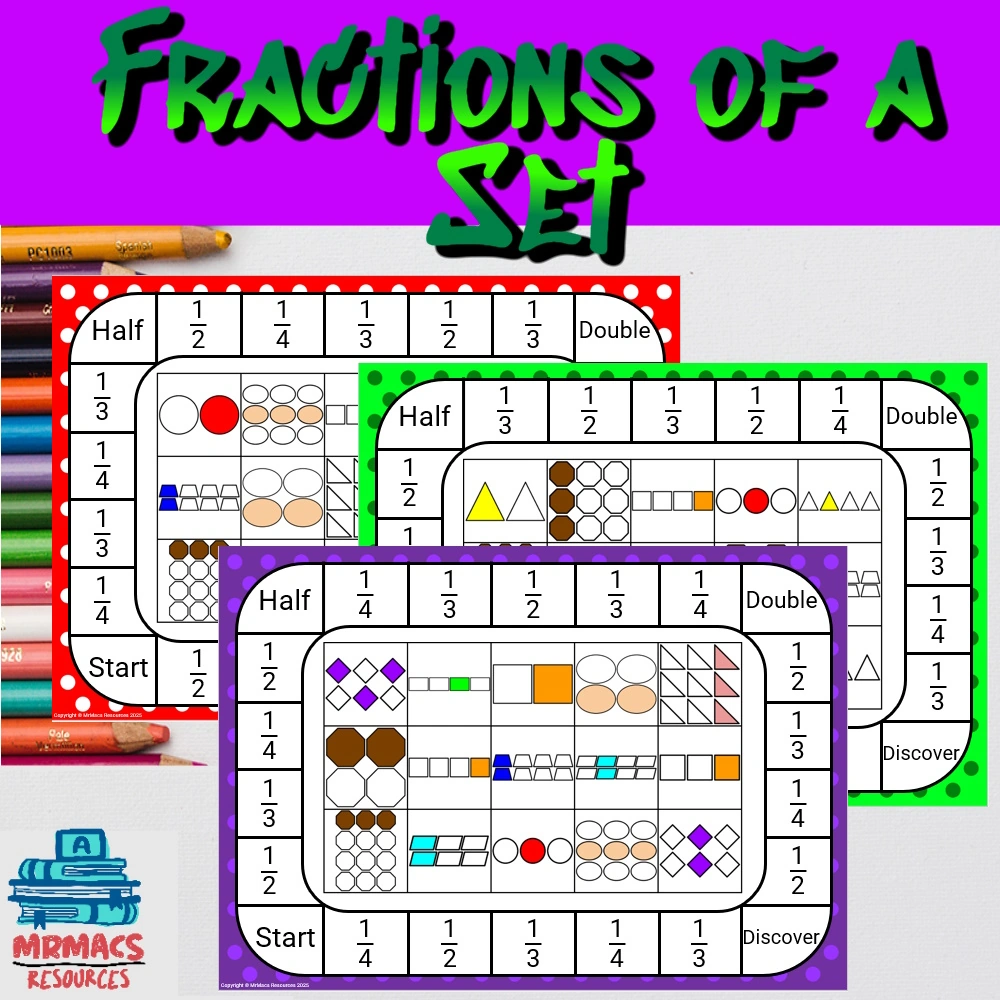
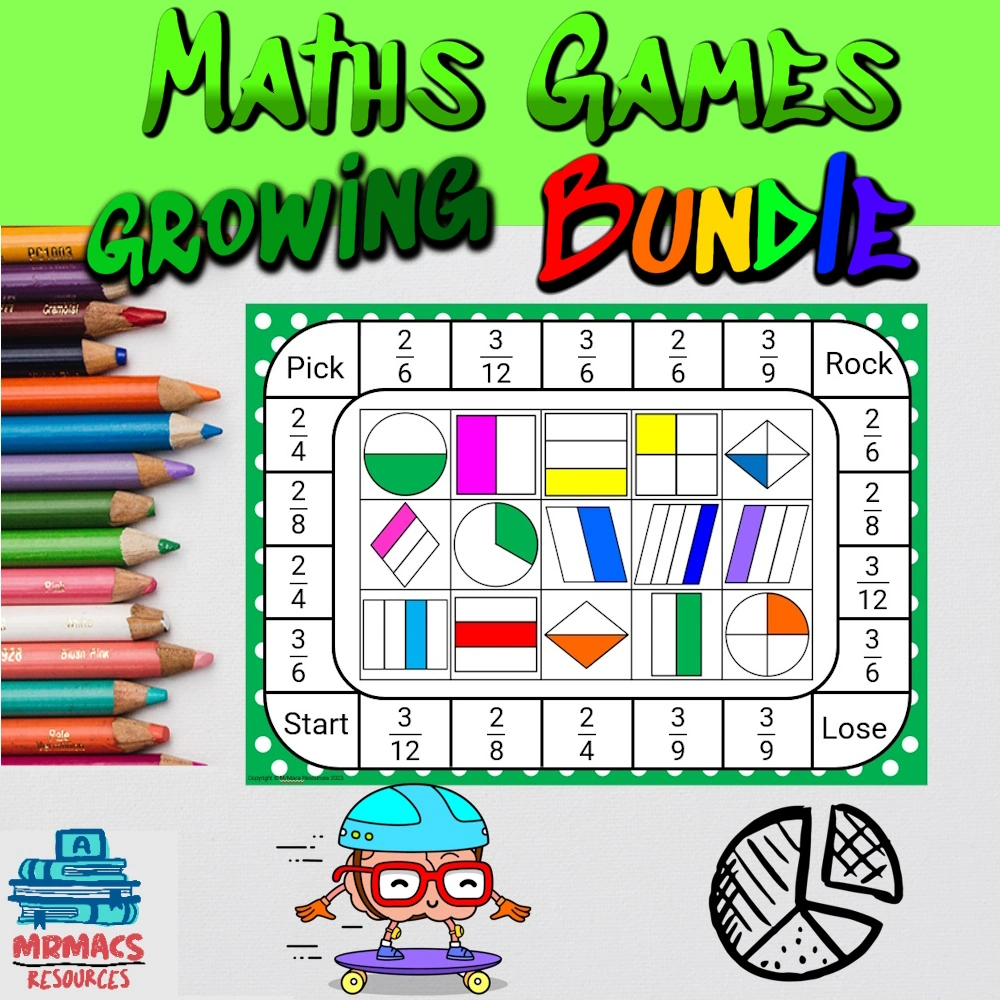
Want Access to my Free Resource Library?
About The Author

Hi! My name is Mr Mac. I am a K – 6 teacher. I love to create resources for teachers to make their teaching lives easier.